Zem
A downloadable game for Windows, macOS, and Android
Help Zem!
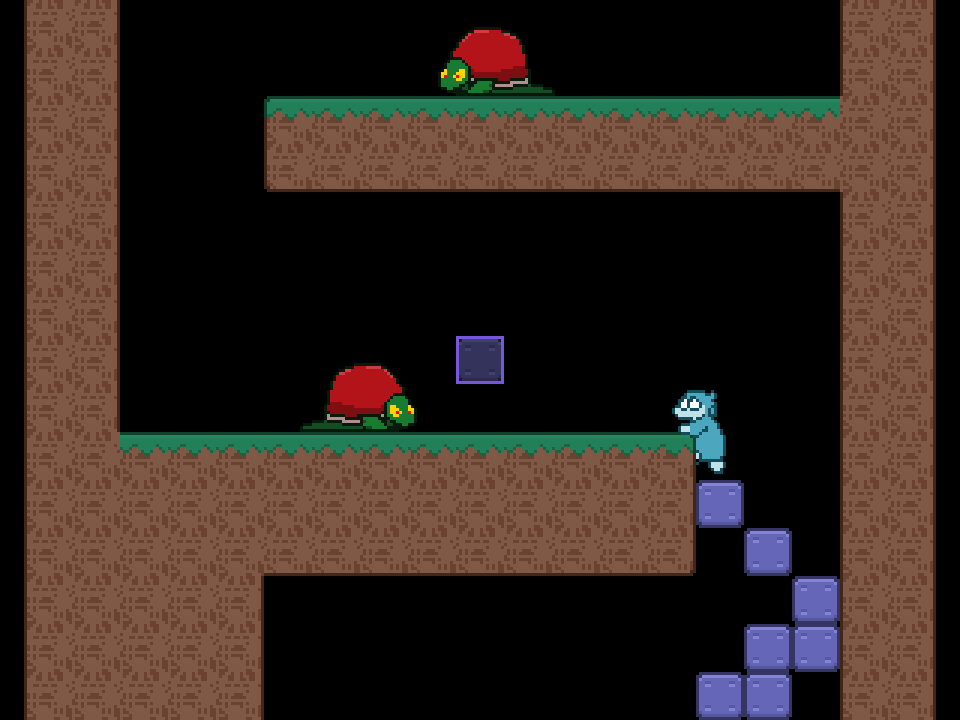
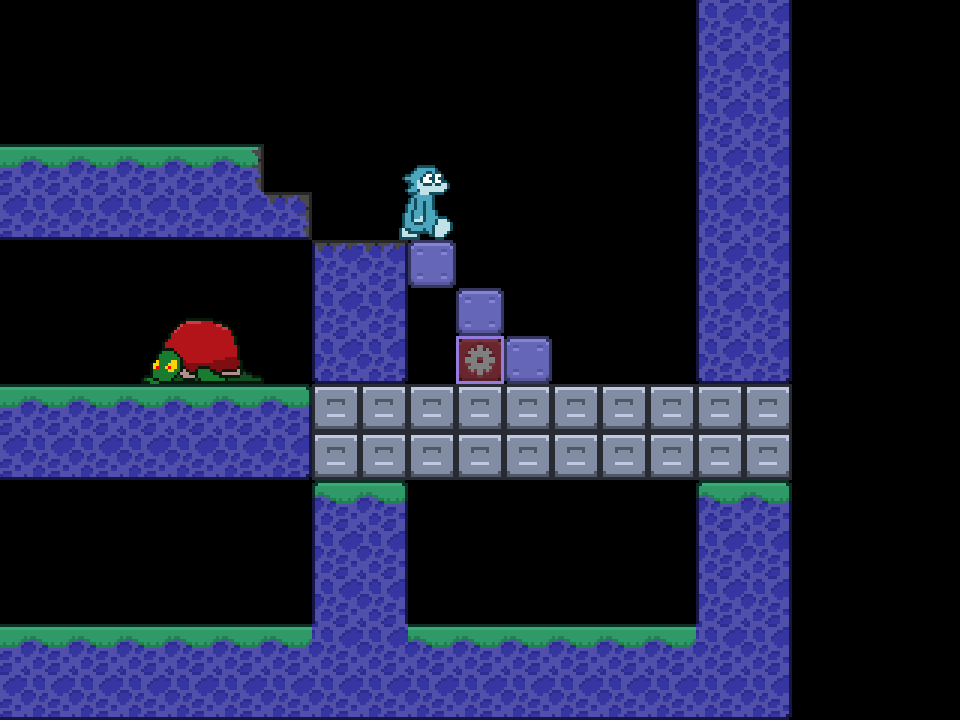
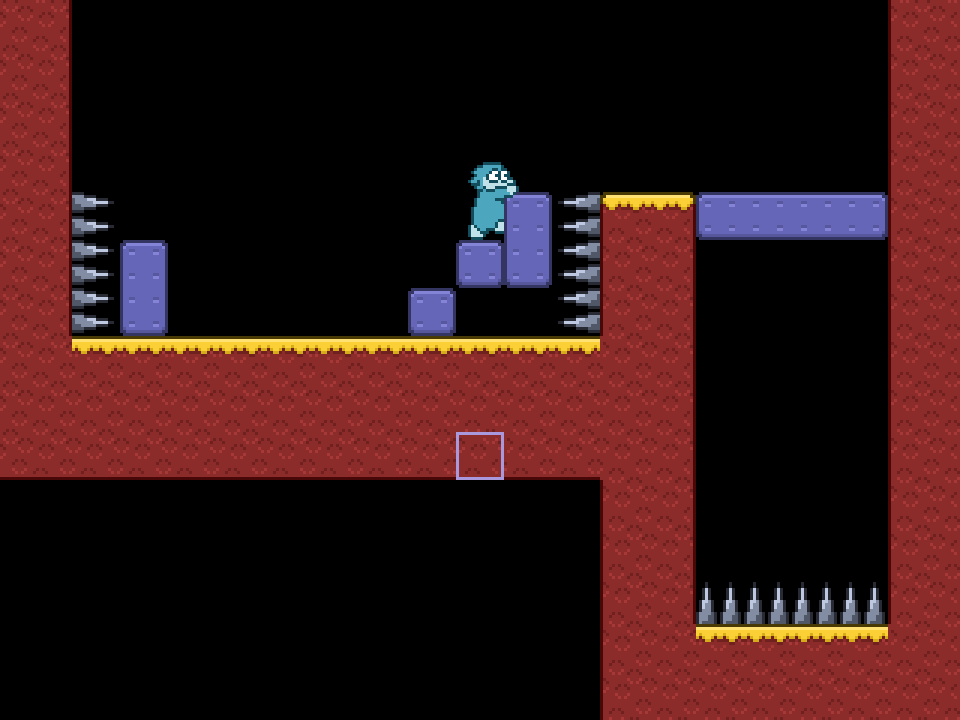
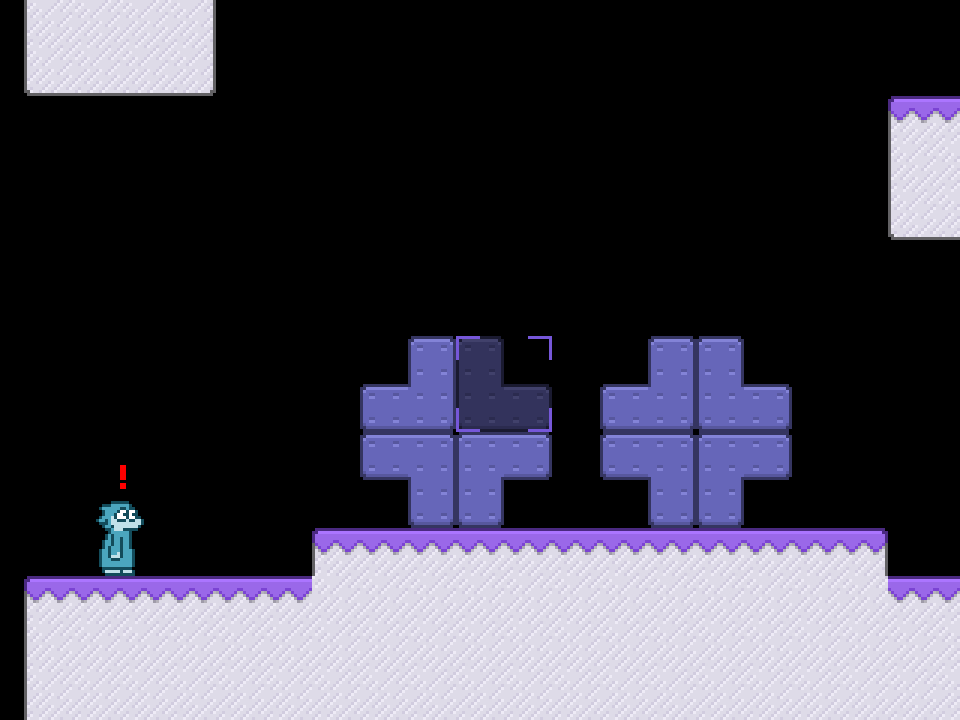
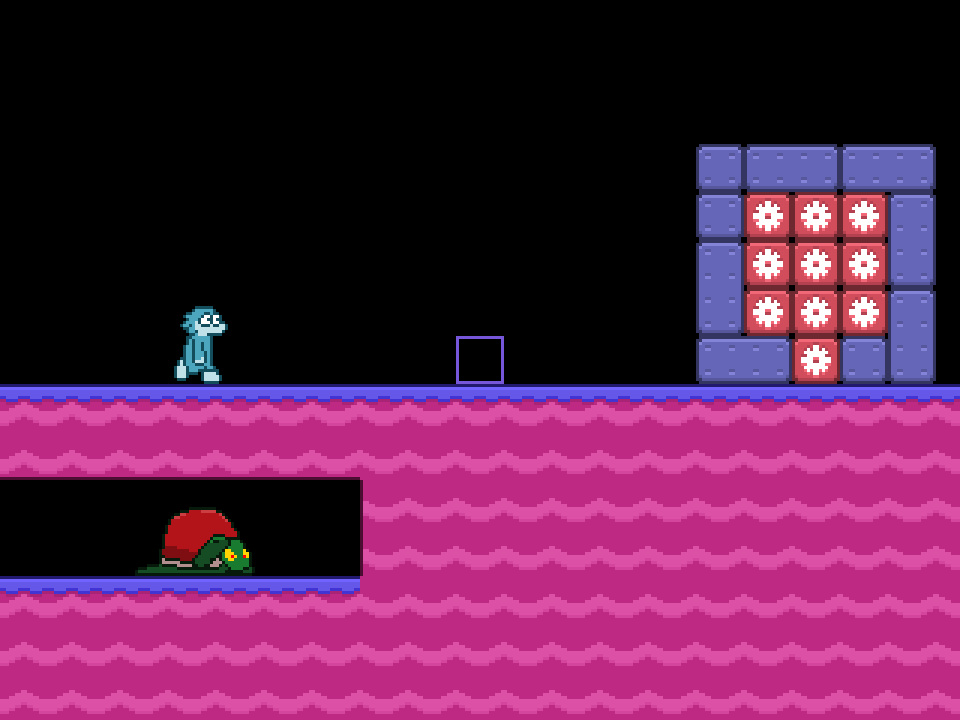
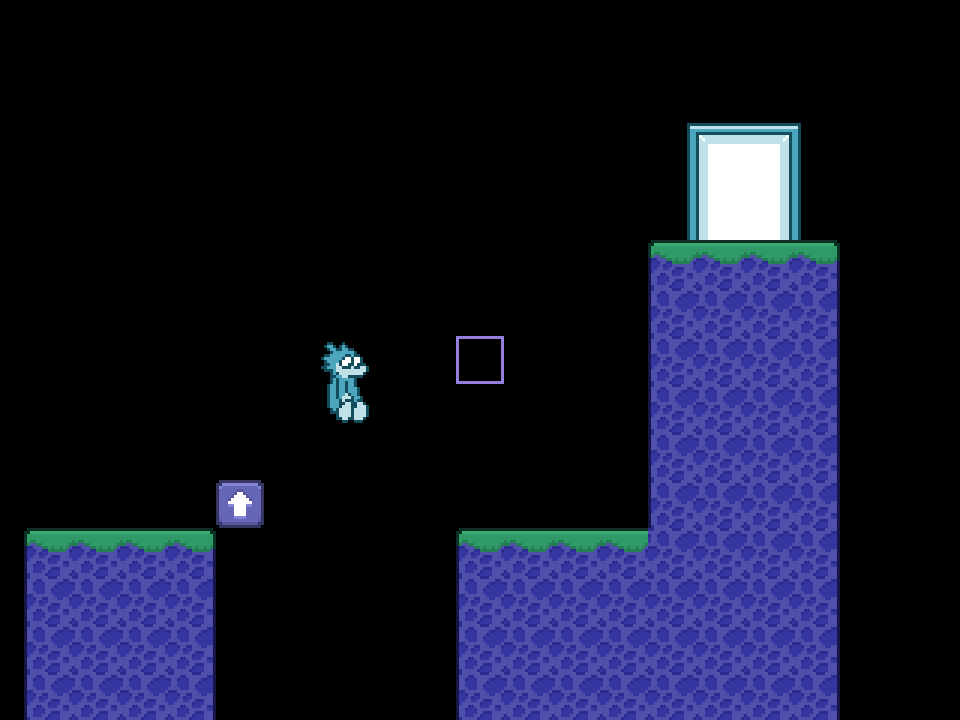
All Zem wants to do is walk ever onward, straight ahead without thinking. Unfortunately, Zem is walking through some pretty dangerous areas.
Use your cursor to place blocks for Zem to maneuver to safety. Use special action blocks to make Zem perform actions.
Features
- 35 increasingly challenging stages
- 3 save files
- Customizable controls
- A fully featured stage editor for creating your own shareable levels becomes available after completing Stage 8.
How to Play
Use an onscreen cursor to pick up and place the limited blocks available in each stage to help Zem reach the exit.
Default for picking up and placing blocks is X on keyboard and A on Xinput gamepads. You can fast forward by pressing V on keyboard and Y on Xinput gamepads. Controls are fully customizable.
The stage editor will require the use of keyboard for some text input.
macOS & Android Notes
For macOS, see the download page for tips about how to open the game, which will likely require special authorization for your operating system to run.
The Android edition is specifically for handheld game consoles, like the Retroid Pocket series. The game will not be playable with touch screen controls and requries gamepad input.
In Android, sharing or adding new stages with the stage editor will require a rooted device with access to the net.whatnot_bombdotcom.zem folder. You may not be able to share created stages with other players.
Credits
John D. Moore: Game design, programming, graphics, animation, sound design
Sound effects created with bfxr by increpare.
Fonts used: Jots on Dots, Karen Bold (by Paul Spades), and Extra Thick (by VEXED, used under CC BY 4.0 license). Stage clear fanfare by Little Robot Sound Factory (used under CC BY 3.0 license)
Music by Eric Matyas - www.soundimage.org
Download
Click download now to get access to the following files:
Development log
- Zem version 1.2, plus an Android edition built for Retroid Pocket 5!Jan 18, 2026
- Version 1.1 releaseJan 14, 2026
- Here comes Zem!Jan 13, 2026